On this page
Campaigns
There are two types of campaigns that can be created in Predikt-r – Vacancy and Talent Pool.
The Vacancy campaign is the role-based campaign created for specific role (or several similar roles). A Vacancy campaign can only be set up for up to 45 days (6 weeks) in duration.
The External Talent Pool campaign is designed for organisations who would like to create a talent pool to test candidates for future roles. A talent pool campaign does not have a maximum duration. For Talent Pool subscription please contact the Company Partner or Predikt-r Support (support@predikt-r.com.au).
The Internal Talent Pool campaign is designed for organisations who would like to create a talent pool to test their internal staff members. An internal talent pool doesn't have a maximum duration. For Talent Pool subscription please contact the Company Partner or Predikt-r Support (support@predikt-r.com.au).
Campaigns Menu
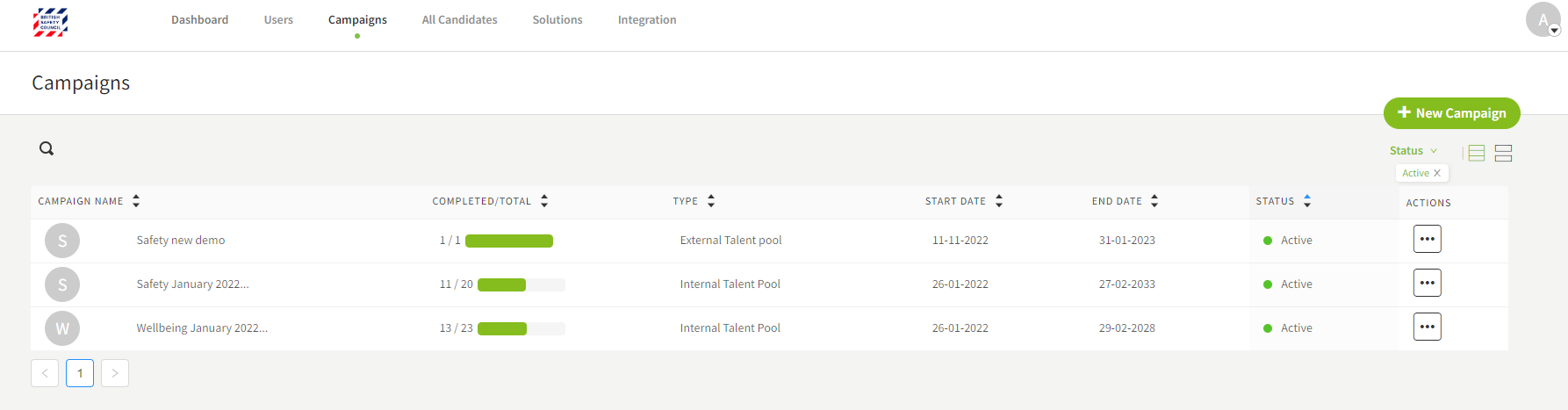
The Campaigns Menu presents a list of all campaigns created by the organisation and an option to create a new campaign.
There are additional tabs that can be accessed inside a campaign.
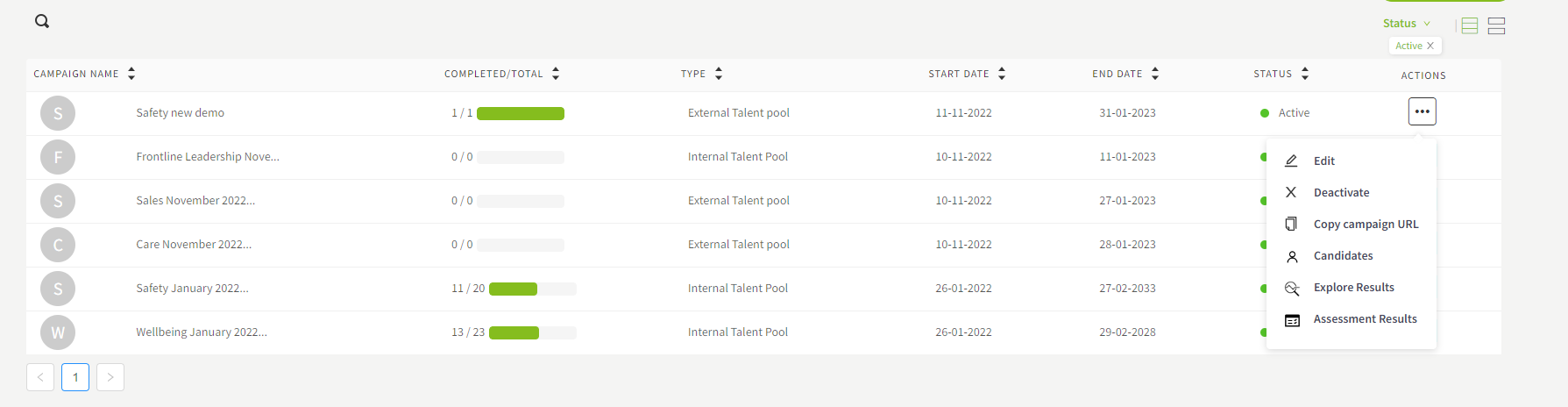
Select a campaign from the campaign list and click on menu icon under the Actions column.