On this page
Dashboard
The Dashboard presents a summary of all campaigns created by the organisation. There are two tabs that display different data on the Dashboard – Overall tab and Details tab.
Overall tab
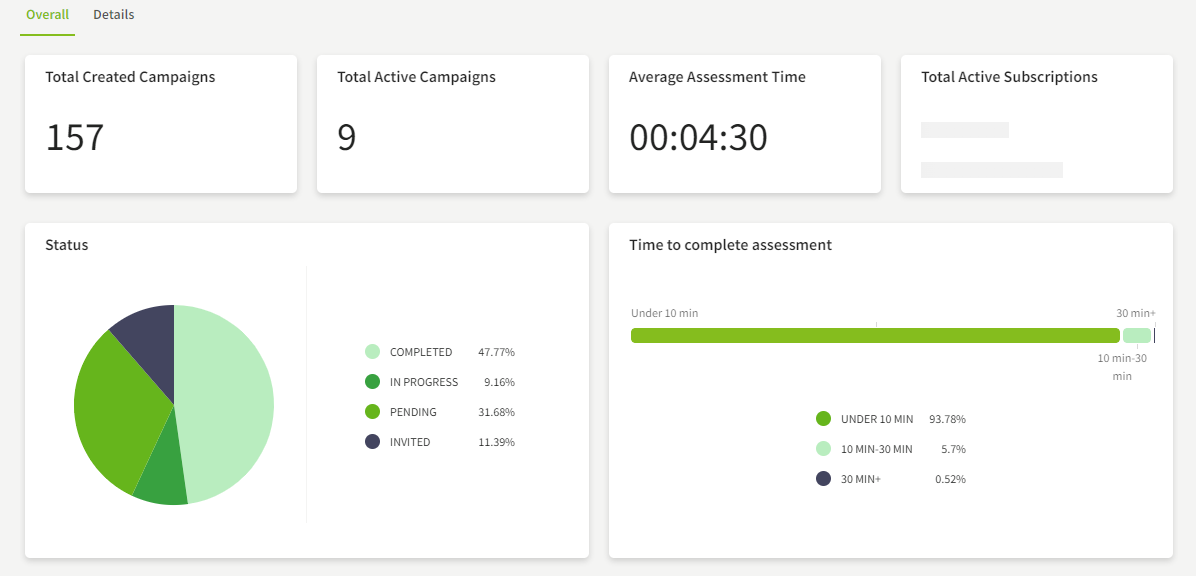
The Overall tab displays the following metrics:
- Total campaigns created
- Total active campaigns
- Average time taken to complete campaigns
- Total active subscriptions
- Gender and age groups of candidates
- Percentage of candidates in each status.
Details tab
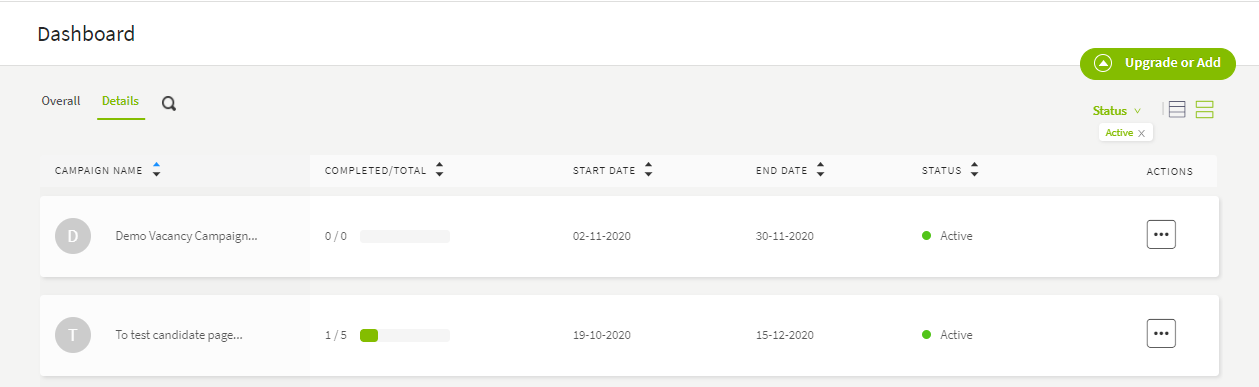
The Details tab can be used to view information specific to individual campaigns. The Dashboard Details tab displays the following information:
- Campaign name
- Percentage of candidates who have completed the assessment
- Start and end date of the campaign
- Status of the campaign
- Action which directs user to the Candidates page of the specific campaign.